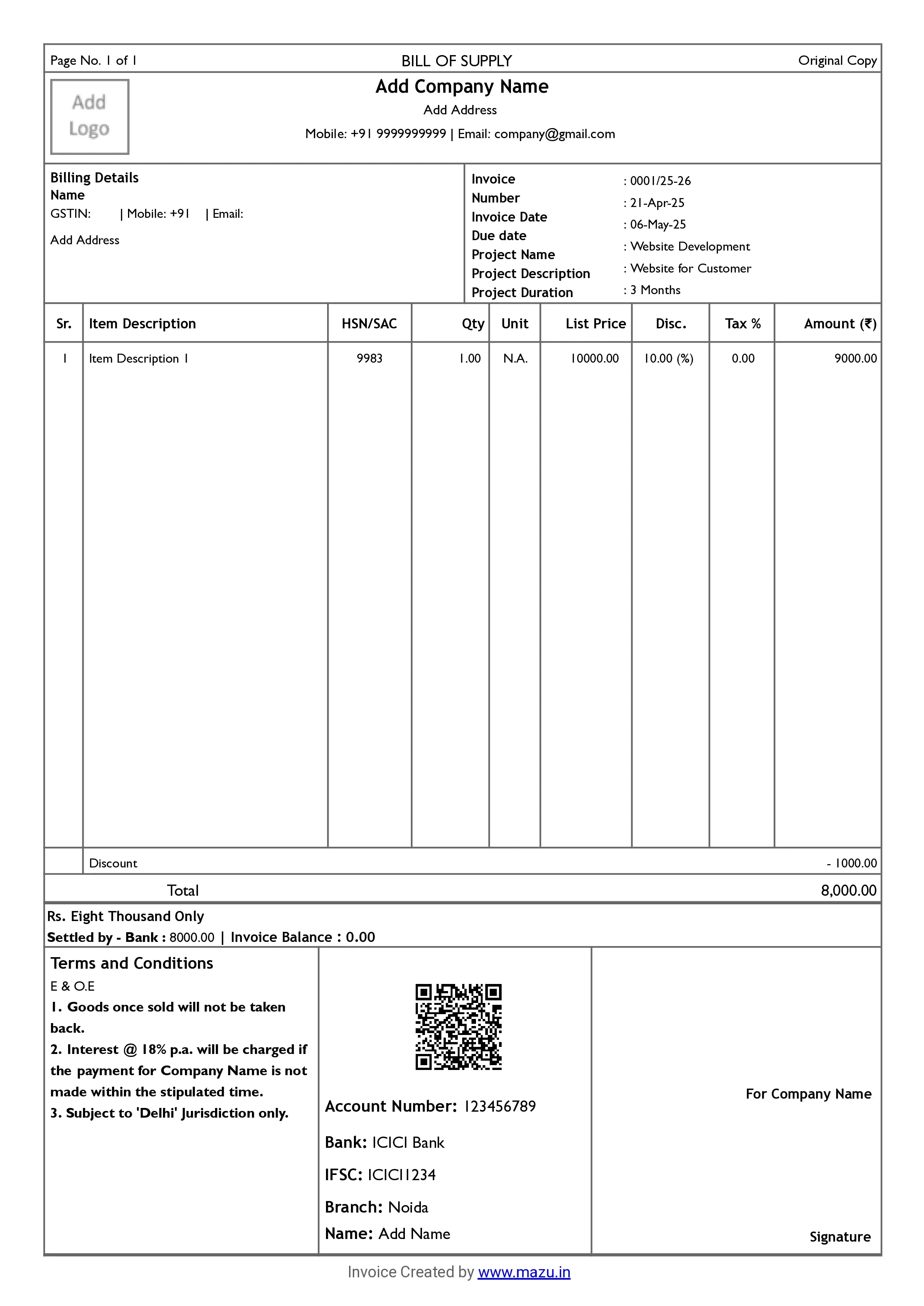
Freelancers Invoice Format
Create professional invoices by highlighting project details; hours worked, and rates, ideal for freelancers and consultants.
Create custom invoices, send quotations, track payments, and view reports with ease. Share on WhatsApp or email in seconds and work on the go with the mobile app.

Freelancers are individuals who provide specialized services to businesses or individuals. They work on a project or contract basis rather than being full-time employees.
Some examples of freelancers are:
Content creators, copywriters, or technical writers.
Graphic, web, or UI/UX designers.
Website, app, or software developers.
SEO experts, social media managers, or digital managers.
Finance, HR, or business strategy advisors.
Download free, customizable invoice templates (Word/Excel/PDF) and create GST-ready bills in seconds.
Create professional invoices by highlighting project details; hours worked, and rates, ideal for freelancers and consultants.
Fill this in and your download starts instantly. No spam, just the file and the odd helpful tip.
By continuing you agree to be contacted about mazu.
Your template download has started. Want to skip the file and just bill?
Create invoices freeDownload editable freelancers quotation templates in Word, Excel, and PDF ; add & modify fields and share instantly.
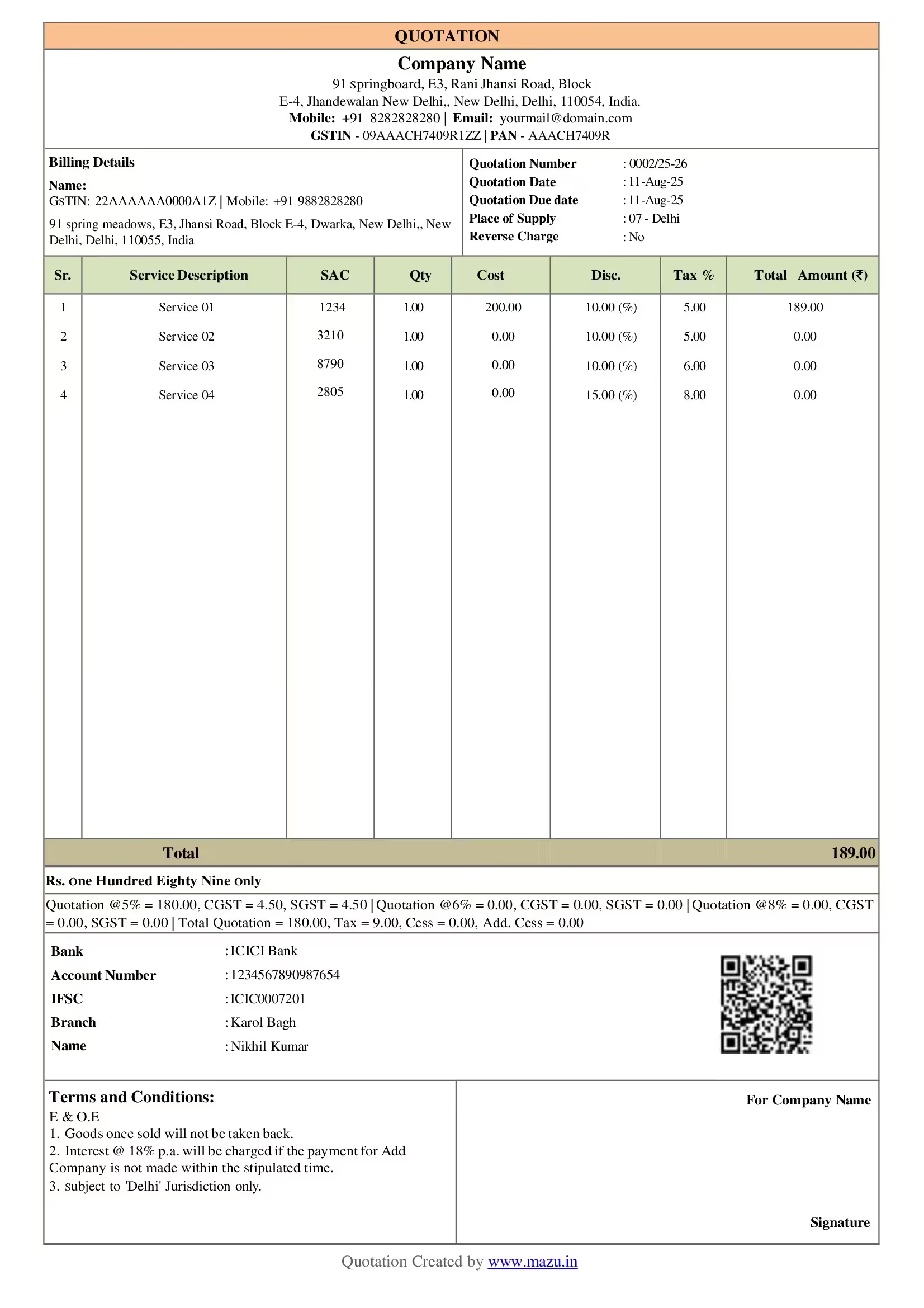
Share detailed project quotes with scope, hours, rates, GST and HSN details.
Fill this in and your download starts instantly. No spam, just the file and the odd helpful tip.
By continuing you agree to be contacted about mazu.
Your template download has started. Want to skip the file and just bill?
Create invoices freeFreelancers can use different types of invoice formats:
The most common type of invoice, used to request payment at the end of a project
This is also known as a prepayment invoice; this is an estimate or quotation for work that hasn't been completed yet
This is used when invoicing for hours worked rather than products or projects
This is used to remind a client who is late in paying and to add late fees to the total due
These invoices are sent regularly, such as monthly or quarterly, to reflect an ongoing agreement for work
It is used ongoing projects to represent partial billings issued periodically until project completion
This invoice is used to mark the end of a project or service and to detail the total amount owed
When creating an invoice, freelancers should include the following details:
GST applies to freelancers if their annual turnover exceeds Rs.20 lakhs (Rs.10 lakhs for North-Eastern states).
Use GST-compliant invoices, including your GSTIN, client's details, and applicable GST rates.
Consider using GST-compliant billing software to streamline invoicing, tax calculations, and filing returns.
Use the correct SAC to classify your services and apply the right GST rate.
File your returns regularly (monthly or quarterly) to avoid penalties and stay compliant.
Keep detailed records of all transactions, including services and tax payments.
| Services | SAC Codes | GST Rate |
|---|---|---|
| Writers | 998911 | 18% |
| Designers | 998314 | 18% |
| Developers | 998314 | 18% |
| Marketers | 998311 | 18% |
| Other IT Services | 998319 | 12%, 5%, 18% |
Services
SAC Codes
GST Rate
Services
SAC Codes
GST Rate
Services
SAC Codes
GST Rate
Services
SAC Codes
GST Rate
Services
SAC Codes
GST Rate
Note: This table includes common services and corresponding SAC codes with GST rates. The GST rate may vary based on specific products or updates in GST law.
Yes, you can edit your invoice in mazu and add fields as your requirements.
You can add upto 5 optional fields.
mazu is a free billing Software. You can generate unlimited invoices for free.
Yes, you can share invoices with your clients via WhatsApp or email and create multiple copies.
To check the payment status in mazu, follow these steps:
Here, you can view a detailed summary of payments, including amounts received, outstanding dues, and partially paid transactions from both vendors and customers.
Yes, freelancers need to pay GST.
Yes, you can download duplicates/triplicates of your invoice.
To check all invoices in mazu, follow these steps:
Here, you can view a detailed summary of all the invoices you have created, including amounts received, outstanding dues, and partially paid transactions from vendors and customers.
Free to start. No credit card needed.
GST-compliant · Made in India · From the makers of BUSY